Convert WordPress to a Mobile App in 2026 (No Plugin, Both Stores)
WebToApp Team
Product
You already run WordPress. Posts, pages, maybe WooCommerce or a membership plugin. What you want next is a real Android and iOS app on Google Play and the App Store — not another bookmark, and not a six-figure React Native rebuild.
In 2026 you have four common paths. This guide is for the one most WordPress owners actually need: wrap your live HTTPS URL in a native shell, try a free demo first, then download store-ready AAB and IPA files you submit with your own developer accounts. No WordPress plugin. No monthly publisher subscription to keep the app alive.
- No plugin on your WordPress install — the app loads your public URL.
- Free Android and iOS demo at 0 credits before you pay.
- Pay-once production credits: Android $39, iOS $59, both $89. Add-ons (OneSignal, FCM, AdMob) $9 once per app.
- You own the listings. Play $25 one-time. Apple Developer Program $99/year.
- Credits charge only if production succeeds. No store-approval guarantee — Apple 4.2 and Play policy still apply to your content.
Try your WordPress URL before buying credits
Paste https://your-wordpress-site.com at signup, open the free demo, and walk the same pages a reviewer will. Start here: https://www.webtoapp.app/signup · Pricing: https://www.webtoapp.app/pricing
#Four ways to turn WordPress into an app (only one is this guide)
Search results mix four different products. Mixing them up is how people buy the wrong thing.
- PWA — install from the browser. Fast and cheap. No App Store listing. iOS push stays weaker than a native app on APNs. Fine if you do not need store discovery.
- WordPress app plugins / builders (AppMySite-style) — install a plugin, sync content through APIs, often rebuild screens in a native UI. Powerful for some publishers. You maintain a plugin and usually a subscription.
- Custom React Native / Flutter on the REST API — agency territory. Best when mobile is a separate product, not a phone-shaped website. Budget and timeline match that ambition.
- URL wrapper (WebToApp) — your live WordPress theme inside a native splash, WebView, optional push, branded offline retry. Outputs AAB + APK and IPA. Content updates publish on the site and appear in the app without a store resubmit; icon, splash, name, and add-ons need a rebuild.
Managed WordPress-to-app platforms (MobiLoud-class) sit between wrapper and agency: monthly pricing, team help, often longer launch. Treat those quotes as a class, not a fixed price — they move. If you want someone else to own the consoles and launch playbook, that is a different buy than generating your own binaries.
#When a WordPress URL wrapper is the right call
- Your site already works on a phone — theme, menus, forms, checkout.
- You want Play and/or App Store discovery, home-screen icon, and optional native push.
- You do not want to install another heavy WordPress plugin or maintain a second mobile CMS.
- Editors should keep publishing in wp-admin as they do today.
Skip the wrapper (or hire native) if the product needs BLE, HealthKit, serious offline-first reading, or a UI that cannot be your theme. Stay on a PWA if you truly do not need store listings.
#WordPress pre-flight checklist (do this before production credits)
Most failed launches are website problems wearing an app costume. Fix these on WordPress first.
- HTTPS on a real domain. Prefer your custom domain over a temporary *.wordpress.com staging URL for store builds.
- Mobile-responsive theme. Test login, comments, search, cart, and checkout at phone width in Chrome and Safari.
- Cookie / consent banners must not permanently cover content or block taps in a WebView.
- Real content. Thin brochure sites and parked pages fail Apple Guideline 4.2 and Play minimum-functionality / spam policy.
- Privacy policy URL that matches what you collect (forms, analytics, WooCommerce, memberships).
- A 1024×1024 PNG icon for store builds (no alpha, no pre-rounded corners for Apple). Favicon is enough for the free demo only.
Login-walled sites need a demo account
If most of the product sits behind a login (membership, LMS, private Woo), put a working demo account in Play Console and App Store Connect review notes. Reviewers will not create accounts for you.
#WooCommerce, Elementor, memberships — what actually works
Because the wrapper loads your live site, page builders and plugins that already work on mobile keep working. That includes typical Elementor / Divi layouts, WooCommerce catalog and web checkout, LearnDash-style courses, and membership gates — as long as they are usable at phone width.
- WooCommerce: customers browse and check out through your existing mobile web flow inside the app. That is usually what you want. If you need a fully native cart, offline catalog, or complex in-app purchase rules, look at specialized commerce builders or custom native — not a generic website wrapper.
- Digital goods / subscriptions sold inside the iOS app can still trigger Apple Guideline 3.1 (IAP). Wrapping a web checkout does not automatically exempt you. Read Apple's rules for your case.
- Popups, interstitials, and chat widgets: test in the free demo. Aggressive overlays are the #1 feels-broken complaint in wrappers.
#Convert WordPress with WebToApp (step by step)
#1. Create the app and open the free demo
- Sign up at https://www.webtoapp.app/signup and create an app with your WordPress HTTPS URL.
- We fetch favicon and title when we can. Replace both later for the stores.
- On General, tap Open demo. Android and iOS demo files also queue at 0 credits.
- Walk home, category archives, a single post, search, login, cart, and checkout the way a reviewer will.
Ask one question: does this feel like an app, or like a desktop WordPress theme trapped in a phone? If navigation or checkout fail here, fix the theme or plugins before spending credits. Product tour: Getting Started with WebToApp (https://www.webtoapp.app/blog/getting-started-with-webtoapp).
#2. Branding reviewers see first
- App name: short. Apple caps at 30 characters and rejects keyword stuffing.
- Icon: 1024×1024 before a store build. Play listing also wants 512×512.
- Splash: first native frame — not a screenshot of wp-admin.
- Theme colors: chrome that matches the site without fighting it.
#3. Native extras that help review (and retention)
A URL bar in a WebView is the classic Apple 4.2 failure mode. Native extras do not guarantee approval. They are what you can point at in review notes.
- Push via OneSignal or FCM — 9 credits once per app. Strong signal for blogs, news, memberships, and stores announcing launches. Setup: OneSignal guide (https://www.webtoapp.app/blog/push-notifications-onesignal-guide).
- Branded offline retry — already in the shell. Reviewers airplane-mode test. It is not a full offline CMS mirror.
- AdMob — 9 credits, only if ads already belong on the site. Do not bolt ads onto a thin brochure.
Push is a 4.2 lever, not a loophole
Icon plus splash alone do not satisfy Guideline 4.2. Push, a non-Safari offline state, and app-like chrome (no URL bar) help. Your WordPress content still has to be a real product. Full store checklist: How to Publish Your Website on Google Play and the App Store in 2026 (https://www.webtoapp.app/blog/publish-website-to-google-play-app-store-2026).
#4. Production build — when credits charge
When the demo looks right, run Production on Android and/or iOS. Credits move only if that production build succeeds. Failed production refunds automatically. Demo files stay free and are not store binaries.
- Android: first build 39 credits ($39), then $9. Signed AAB for Play plus APK for device testing.
- iOS: first build 59 credits ($59), then $19. IPA for TestFlight / App Store Connect; optional ASC upload if credentials are configured.
- Both-platforms pack: $89 when you know you will ship both.
#What happens after you download the files
WebToApp does not submit on your behalf. You upload with your own Google Play and Apple Developer accounts — that matches Apple Guideline 4.2.6 expectations that the content owner submits.
- Play: upload the AAB (not the APK) to a testing track. Personal accounts created after 13 Nov 2023 usually need closed testing — 12 testers opted in continuously for 14 days — before production access (https://support.google.com/googleplay/android-developer/answer/14151465).
- Apple: upload the IPA, complete listing and privacy labels, TestFlight, then App Review. Guideline 4.2 rejects thin URL-only shells (https://developer.apple.com/app-store/review/guidelines/#minimum-functionality).
- Squarespace owners: platform-specific notes live in the Squarespace guide (https://www.webtoapp.app/blog/convert-squarespace-to-mobile-app); store upload steps are the same as the 2026 publish guide.
No store-approval guarantee
No converter can promise Apple or Google approval. We generate signed binaries, a native shell with optional push and offline retry, and a free demo. Policy compliance is yours — content, metadata, Data safety / privacy labels, and accounts.
#What WordPress-to-app actually costs in year one
- Android only: $39 + $25 Play = $64, or $73 with push.
- Both stores: $89 + $25 Play + $99 Apple = $213, or $222 with push.
- iOS only: $59 + $99 Apple = $158.
- Year two: Apple $99 if you keep iOS. WebToApp $0 unless you rebuild ($9 Android / $19 iOS) or unlock another add-on.
- Website edits go live without a store resubmit. Rebuild the shell only when icon, splash, name, or add-ons change.
Plugin builders and managed WordPress app platforms often bill monthly. DIY Capacitor/TWA still costs your time plus the same $25 and $99. Agency React Native is a different budget. Compare live quotes; do not treat a blog bar chart as a competitor invoice.
#FAQ
#Do I need a WordPress plugin?
Not with WebToApp. Paste the public URL. If a competitor requires a plugin, that is a different architecture (API sync / rebuilt native screens), not a URL wrapper.
#Does WooCommerce work?
If checkout already works on mobile web, it works inside the app. Test coupons, shipping, and payment gateways in the free demo. For a fully native commerce shell, use a specialized builder or custom app.
#Do posts need a new store release?
No. Publish in WordPress as usual. Rebuild only when the native shell changes.
#Do I need Android Studio or a Mac?
Not to generate AAB/IPA with WebToApp. You still need Play Console ($25) and, for iOS, Apple Developer Program ($99/year). A Mac is optional if you prefer Xcode/Transporter.
#I only searched WordPress to APK. Is that enough?
Sideload-only Android: APK is enough. Google Play production wants AAB. App Store needs IPA plus an Apple Developer account.
Start with the free WordPress demo
Paste your WordPress URL and open Android + iOS demo at 0 credits (https://www.webtoapp.app/signup). If it feels right, buy credits only for a successful production build — $39 / $59 / $89 (https://www.webtoapp.app/pricing). Then follow the 2026 store publish checklist (https://www.webtoapp.app/blog/publish-website-to-google-play-app-store-2026). No subscription. No approval guarantee.
Related Articles
 Tutorials
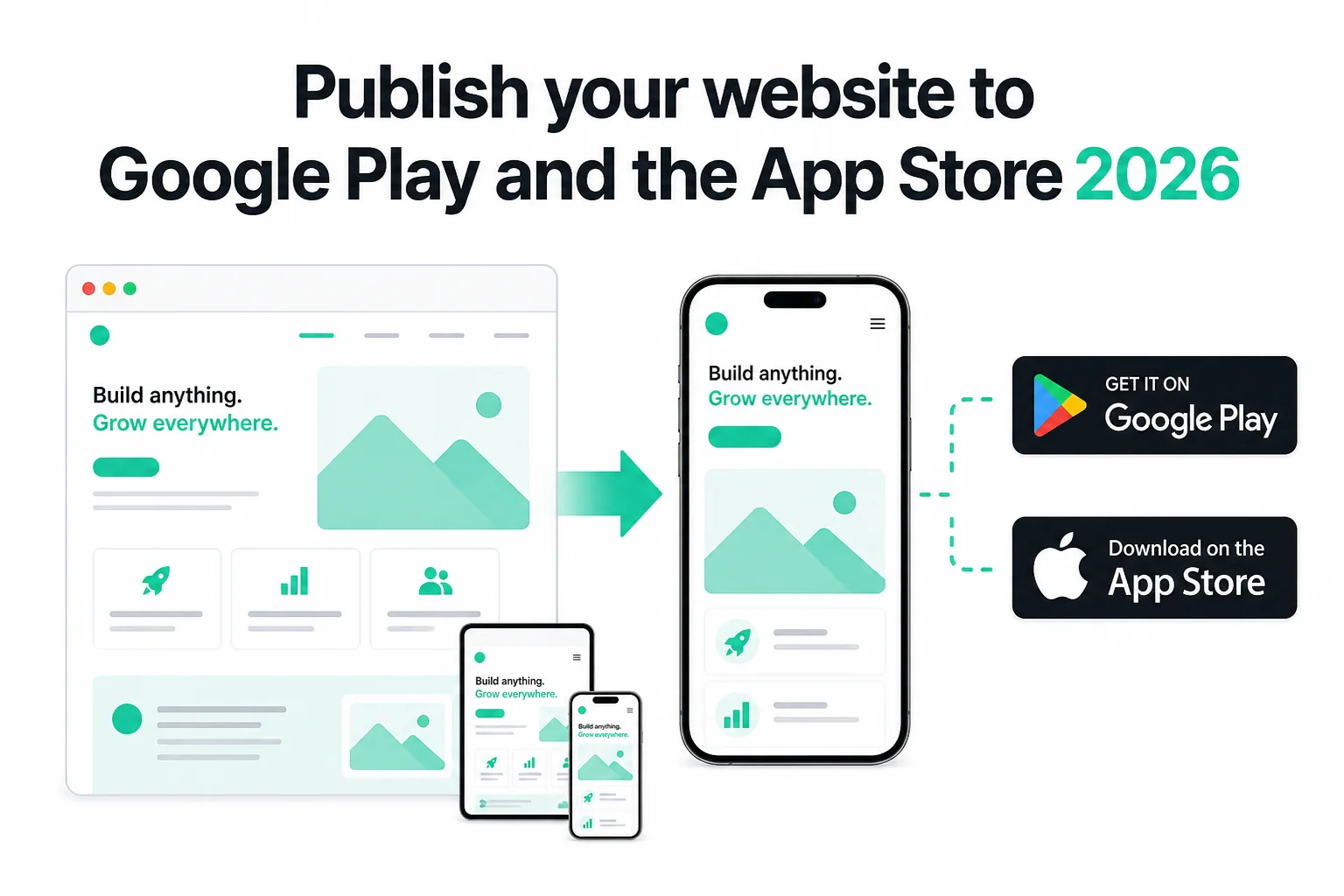
How to Publish Your Website on Google Play and the App Store in 2026 (No Code)
Publish your existing website as Android and iOS apps in 2026 — no Android Studio or Xcode. Get store-ready AAB and IPA files, pass Play closed testing and Apple 4.2, and only pay if the production build succeeds.
WebToApp Team Tutorials
Convert Your Squarespace Website into a Native Mobile App with WebToApp
Learn how to transform your Squarespace website into native iOS and Android mobile apps. No coding required—keep your beautiful Squarespace design and reach users on the App Store and Google Play.
WebToApp Team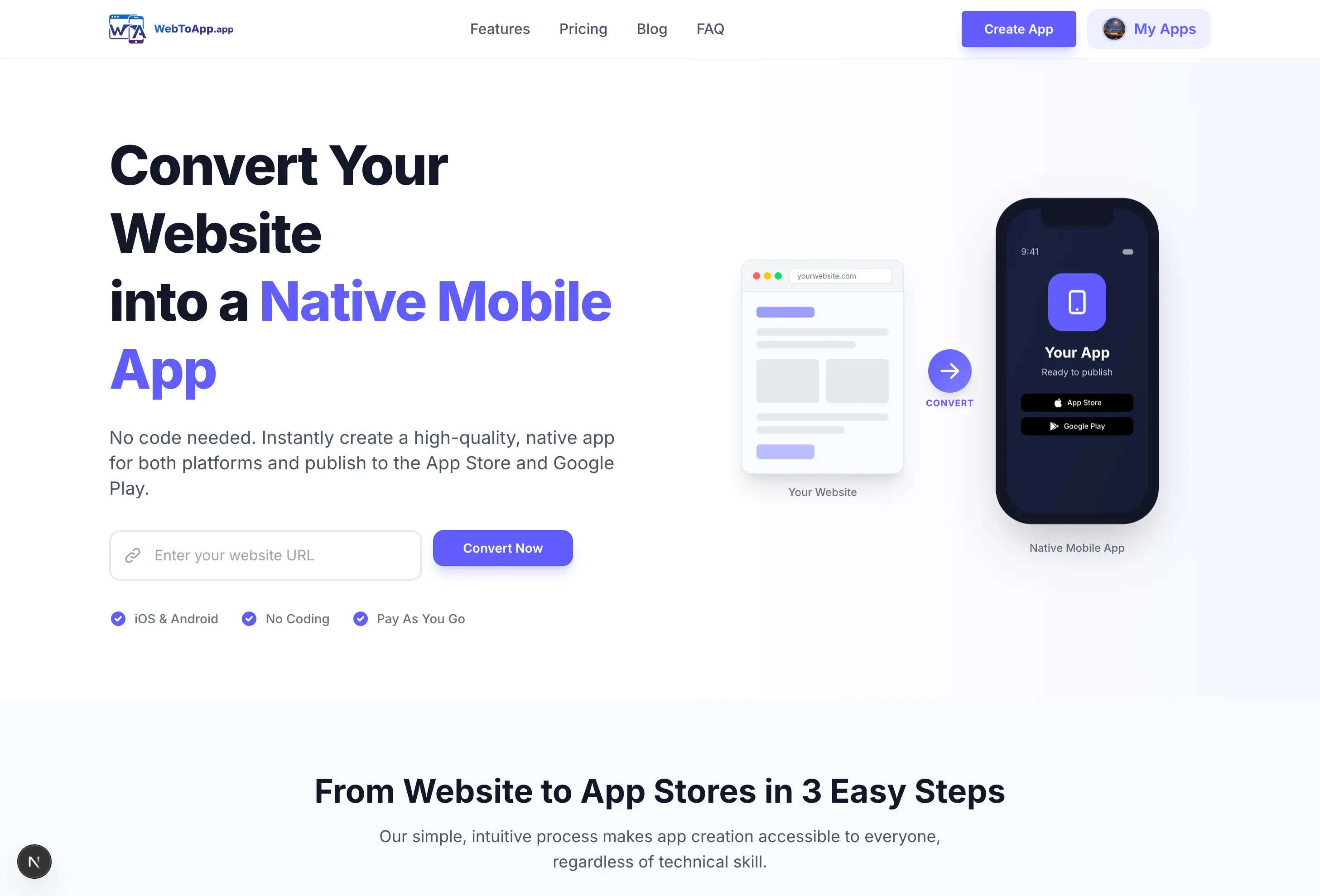 Tutorials
Getting Started with WebToApp: Convert Your Website to a Mobile App in Minutes
Learn how to transform your existing website into native iOS and Android apps using WebToApp. No coding required—just enter your URL and build.
WebToApp Team